As an Amazon Associate I earn from qualifying purchases.
Mechanical keyboards · buying guide
How to choose a mechanical keyboard, by the numbers
The 6 boards we track offer up to 3 connection modes and as much as 260 h of wireless battery — and half of them let you change switches without a soldering iron. Here is what those specs actually buy.
Affiliate disclosure: this guide contains links to Amazon.
If you buy through them we may earn a commission at no extra cost to you.
Rankings here are computed from official specs and owner-review counts —
commissions never enter the formula.
The shortlist
Three picks, three different priorities
Chosen from 6 models on weighted score, wireless endurance, and connection flexibility.
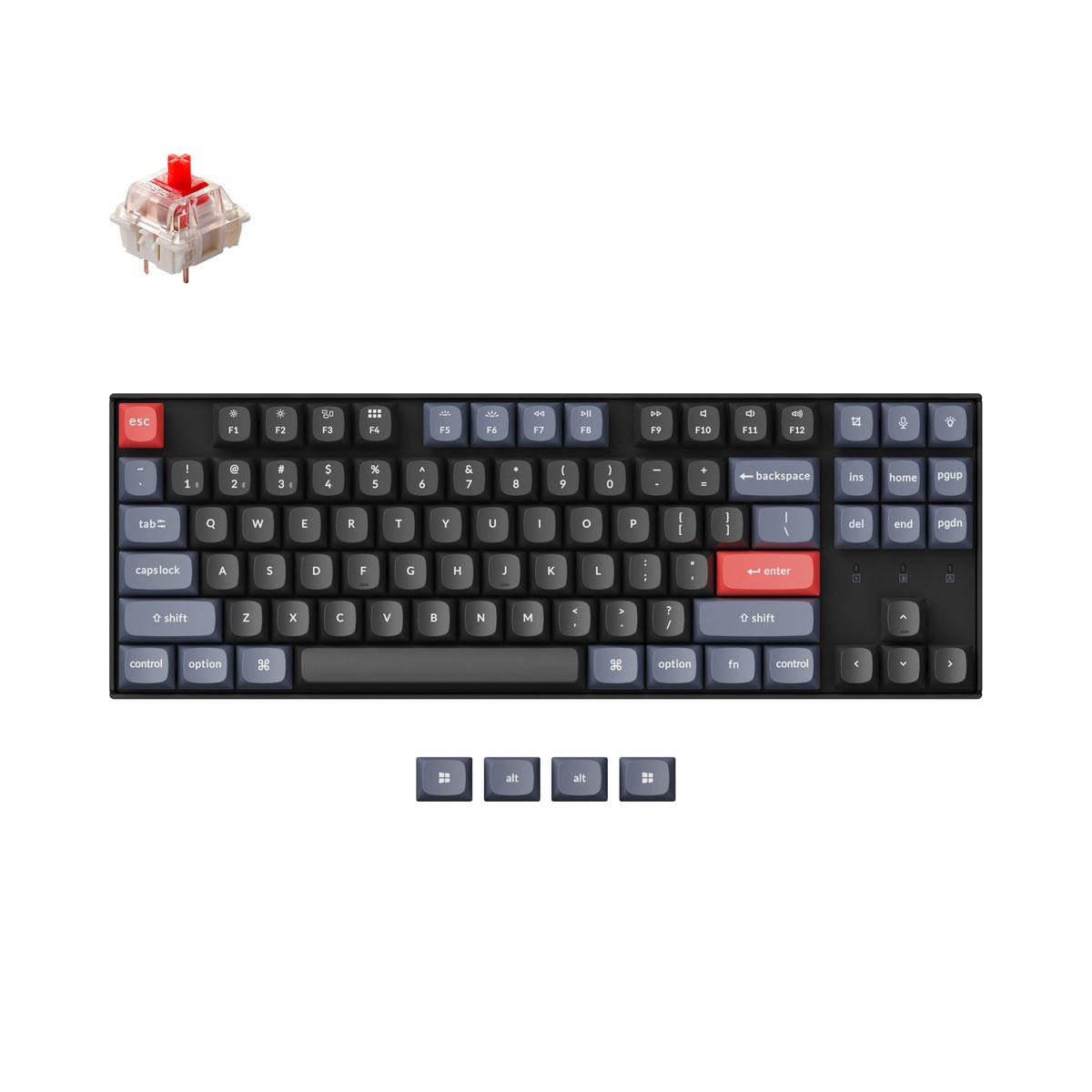
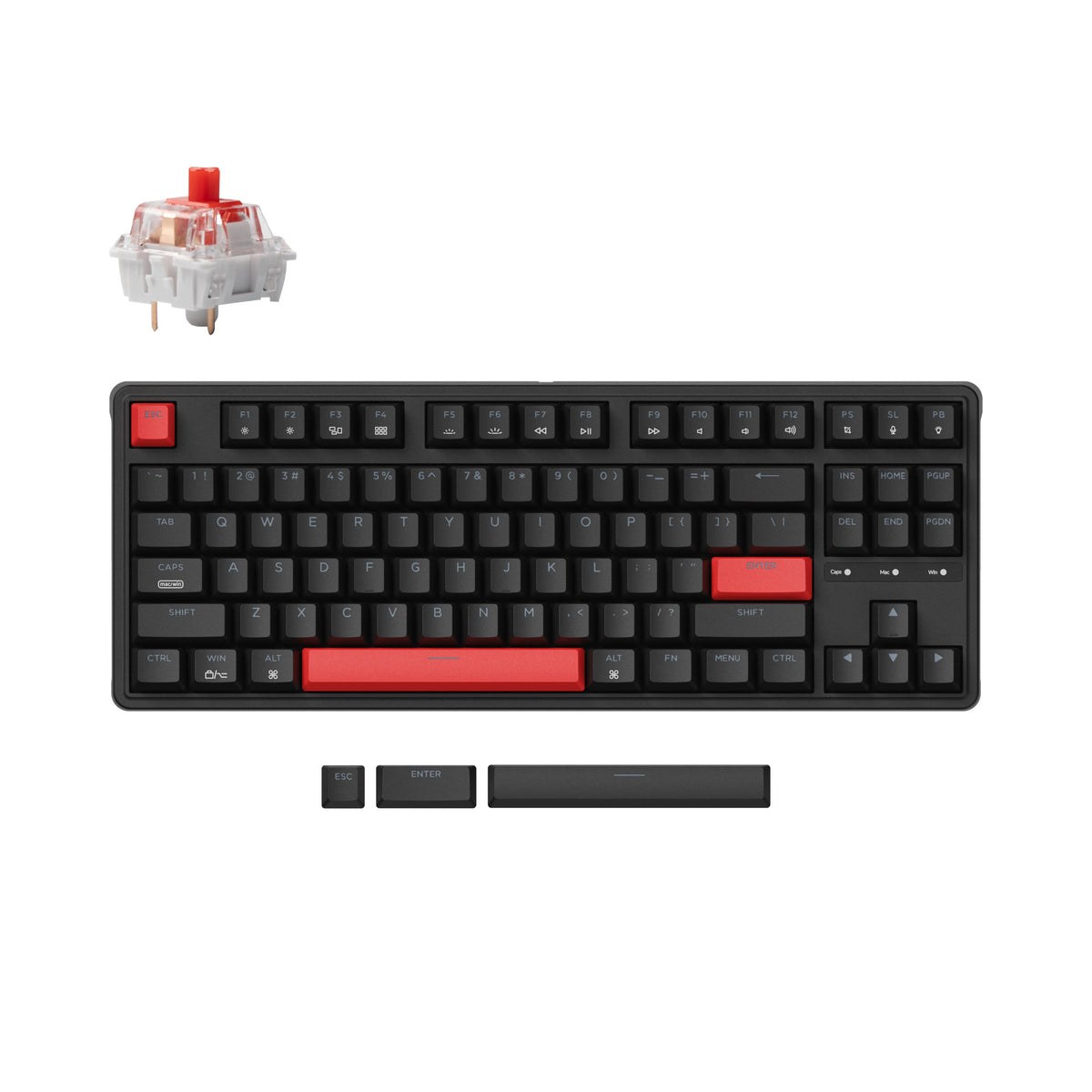
Switches are the part of a mechanical keyboard you might outgrow — maybe linear today, tactile next year. A hot-swap board lets you pull switches with a cheap tool and press new ones in; a soldered board makes that a desoldering project. Three of the six boards we track are hot-swap, and the split is roughly price-segmented.
If this is your first mechanical board, hot-swap is cheap insurance: you are buying the case, PCB, and keycaps once, and keeping the option to change the feel later for the cost of a switch set.
Hot-swap Yes: switches are a preference you can revisit, not a commitment.
Hot-swap No: fine if you already know your switch — soldered boards often cost less for the same chassis.
Check the socket type — most boards here take standard 3- and 5-pin MX-style switches.
The desk question
Count the connection modes, not the cables
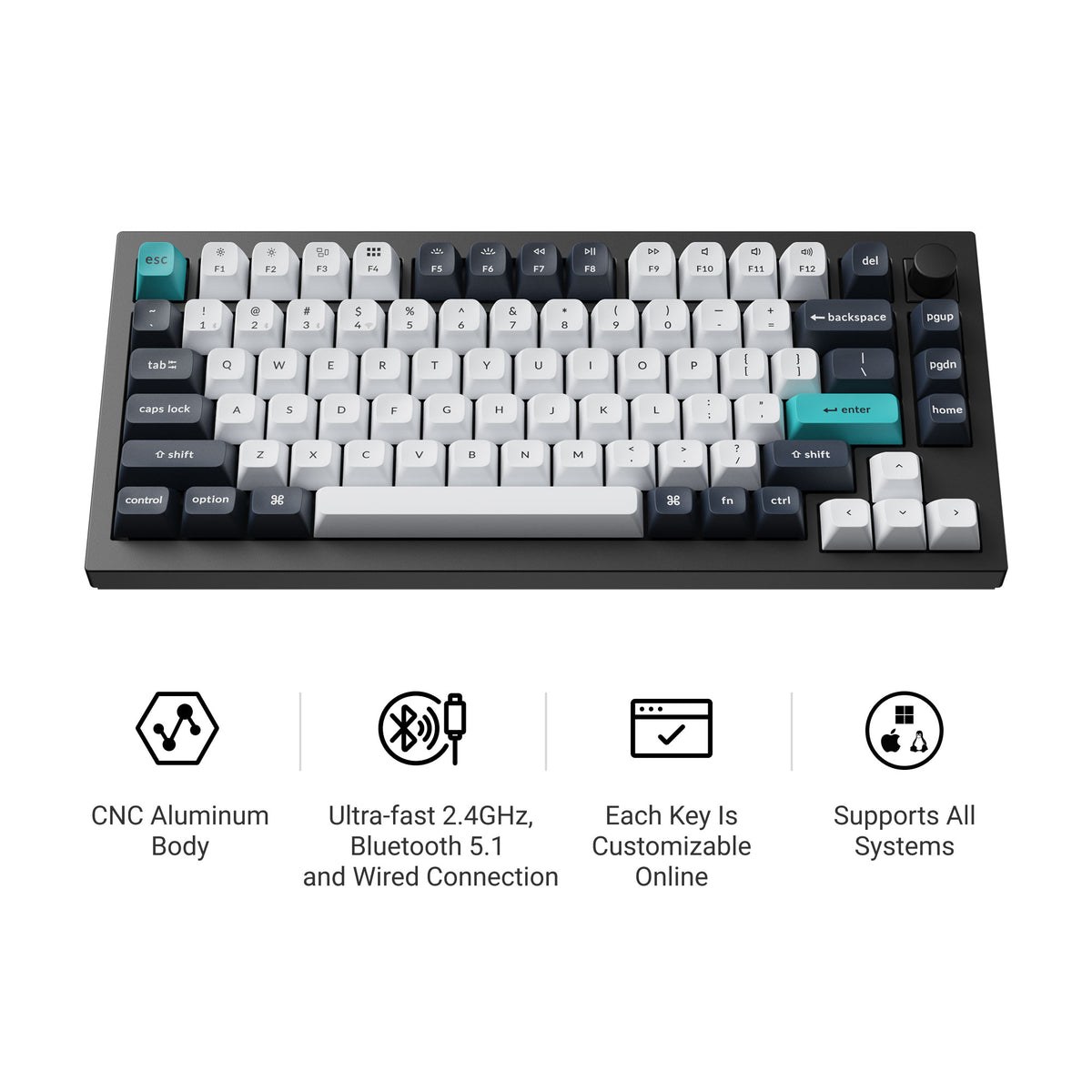
Connection modes decide where a board can live: wired for the lowest-latency ranked setup, 2.4GHz for a clean desk without the latency compromise, Bluetooth for hopping between a laptop, tablet, and phone. Our tracked set ranges from one mode to 3 — the single-mode boards are wired-only and proud of it.
Every board here with a published polling rate runs 1,000 Hz, the established standard for gaming — unlike mice, keyboards gain little from 8K polling, because keypresses are events, not a continuous stream.
The charging rhythm
Wireless battery: weeks, not days
The wireless boards we track publish 260 h at the top of the range — measured with lighting off, as manufacturers prefer to quote. Expect RGB to eat into that figure in daily use; how much depends on brightness, which no listing standardizes.
The same latency math applies to the rest of the desk — our gaming mouse and gaming headset comparisons score those categories with the same spec-first approach.
The data
Full spec comparison
Sorted by weighted score, highest first. Missing specs show as — and are
excluded from that model's score with the remaining weights rescaled.
Full formula on the methodology page ↗
Source: official manufacturer specifications and Amazon
owner-rating counts, collected 2026-09-15. No prices, no sponsored
placements — ever. Bought from the merchant, backed by their warranty
and returns.
Tip: add any contender to your Amazon cart while you compare — it stays saved there, with no obligation to buy.